If you've ever tapped into your Instagram Insights, stared at a screen full of numbers, and then tapped right back out without doing anything differently, you're not alone, and you're not bad at this. Instagram Insights is genuinely confusing. (and honestly it is changing ALL the time) It buries the useful stuff behind vanity metrics and gives almost no guidance on what any of it actually means for your business.
So let's fix that!
Here's how to find the numbers that matter, what they're really telling you, and, most importantly, what to actually do once you know.
Where to Even Find This Stuff
If you have a professional (business or creator) account, go to your profile and tap the menu in the top right, then "Insights," or tap "Professional dashboard" and then "See all." You can also tap "View insights" underneath any individual post, Reel, or Story after it's been live for at least a day.
There are three places worth your time: the Overview dashboard, individual post/Reel insights, and the Audience tab. Everything else is noise.
The Metrics That Actually Matter
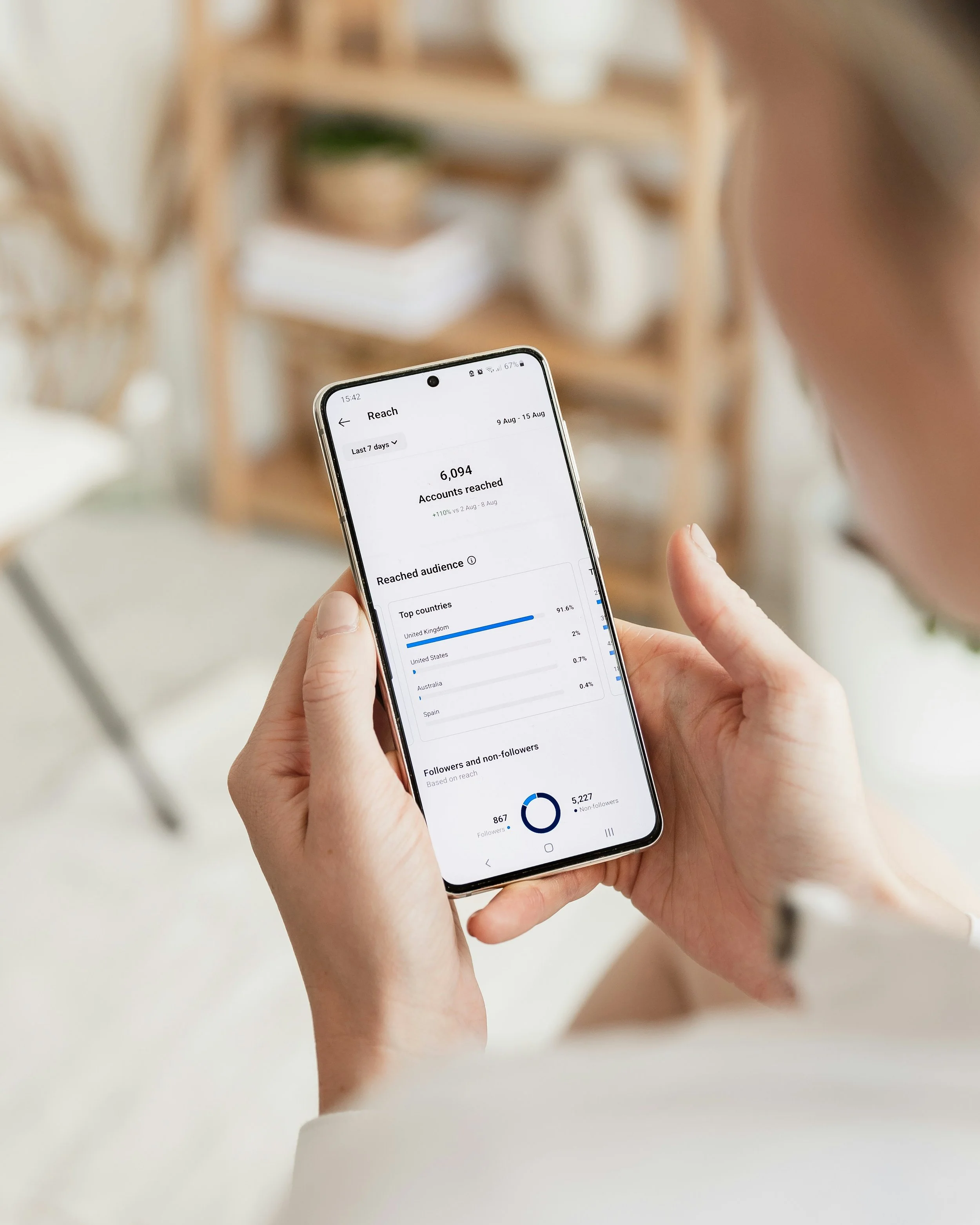
Reach vs. Impressions. Reach is how many unique accounts saw your content. Impressions is how many total times it was displayed, including to the same person twice. For a small business, reach matters more! You care about how many different people you're getting in front of, not how many times one person scrolled past the same post. If your impressions are way higher than your reach, it usually just means people are seeing your content in their feed and again in Explore or Reels — not a red flag, just context.
Saves. I covered this in the mid-year audit post, but it bears repeating here because Insights is where you'll actually find the number. Saves tell you what someone found valuable enough to want to find again later: pricing, how-tos, checklists, gift guides. If you run a service business, this is one of your best "are people actually interested in buying" signals.
Profile Visits and Website Taps. This pairing tells a story most business owners never think to read together. We want to make sure people are going from your posts to your profile… hence profile views. But that isn’t enough. We want to see how many of those people who creeped on your profile took it a step further and tapped through to your site!
Story Insights: Forward Taps, Back Taps, and Exits. These three, read together, tell you exactly where people lose interest in a Story sequence.
Reels: Plays vs. Accounts Reached vs. Average Watch Time. High plays with low reach usually means the same handful of people are rewatching, often a sign you've made something genuinely rewatchable for existing fans, but it hasn't broken through to new audiences yet. Average watch time compared to your video length is the number to watch for the algorithm: a 20-second Reel with an average watch time of 4 seconds is telling you the hook isn't working, regardless of how many plays it racked up.
The Audience Tab Is Underused
Under Insights, tap "Followers" to see age range, top locations, and gender. These figures will be able to tell you quickly if you are creating content that is actually reaching your audience. For instance if you are a small bookstore in Denver, CO and all your followers are in California, that’s a good indicator you need to make some adjustments to your content plan.
A Simple Weekly Habit
You don't need to live in Insights. Once a week, for about 10 minutes, check three things:
Which post or Reel had the highest saves and reach this week, and why?
Did anything spike or drop unusually, and can you tell why?
Which type of content is your audience engaging with most?
Write the answers down somewhere; even a running note in your phone works. The pattern only becomes useful once you can compare this week to last month, not just stare at one week in isolation.
Turning Numbers Into Decisions
Insights are only worth checking if they change what you post next. A save-heavy post means: make more like it, and consider turning it into a pinned post or a freebie. A Story exit spike means: look at what's happening right before people leave, and move your best material earlier.
The goal was never to become a data analyst. It's to stop guessing.